.svg)
Inventory Management
Real-time insight into your inventory, everywhere
Always know what you have in stock
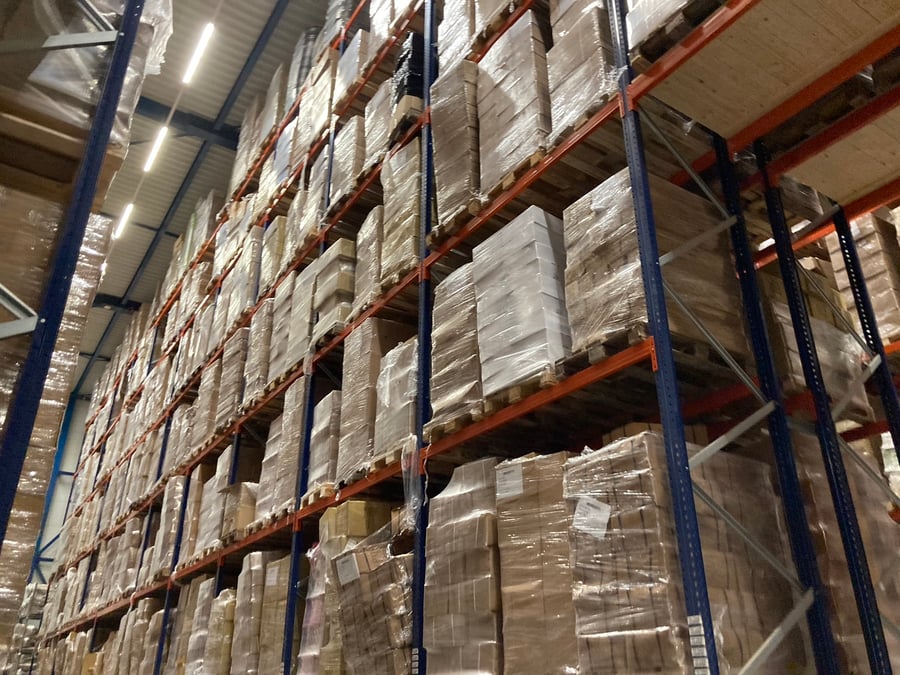
Nothing is more frustrating than disappointing a customer because an item turns out not to be in stock. Or the opposite: a warehouse full of products nobody wants anymore. Inventory management is the foundation of a healthy retail business.
LogicTrade gives you real-time insight into your inventory. Not just how many items are physically there, but also what is reserved for orders, what is on its way from suppliers, and what is freely available for sale.
Three types of stock, one overview
In the home furnishing industry, inventory is complex. You have technical stock (what is physically there), economic stock (including items in transit) and available stock (what you can actually sell). LogicTrade calculates this automatically and shows it in one clear overview.
With the StoreAssist app you do paperless stocktaking. Walk through your warehouse, scan barcodes, and the inventory is updated. No more paper count sheets, no retyping afterwards.
 StoreAssist
Problems that Inventory Management solves
- No insight into current stock - Excel lists that are never up to date, nobody knows what is really in stock
- Selling what you don't have - Disappointing customers because items turn out to be unavailable
- Buying too much or too little - Without a good overview you buy too much or unnecessarily run out
- Stocktaking takes days - Paper count sheets, manual retyping, correcting errors
- No visibility on items in transit - What has been ordered from suppliers? When does it arrive?
- Inventory value unknown - How much capital is tied up in your warehouse? No idea
Benefits of Inventory Management
📊 Three stock types
Technical, economic and available stock in one overview. Know exactly what you can sell.
📱 Mobile stocktaking
Count your inventory with the StoreAssist app. Scan barcodes and the stock is immediately updated in LogicTrade.
🔄 Automatic mutations
Purchasing, sales, reservations - all mutations are processed automatically. No more manual bookings.
💰 Stock valuation
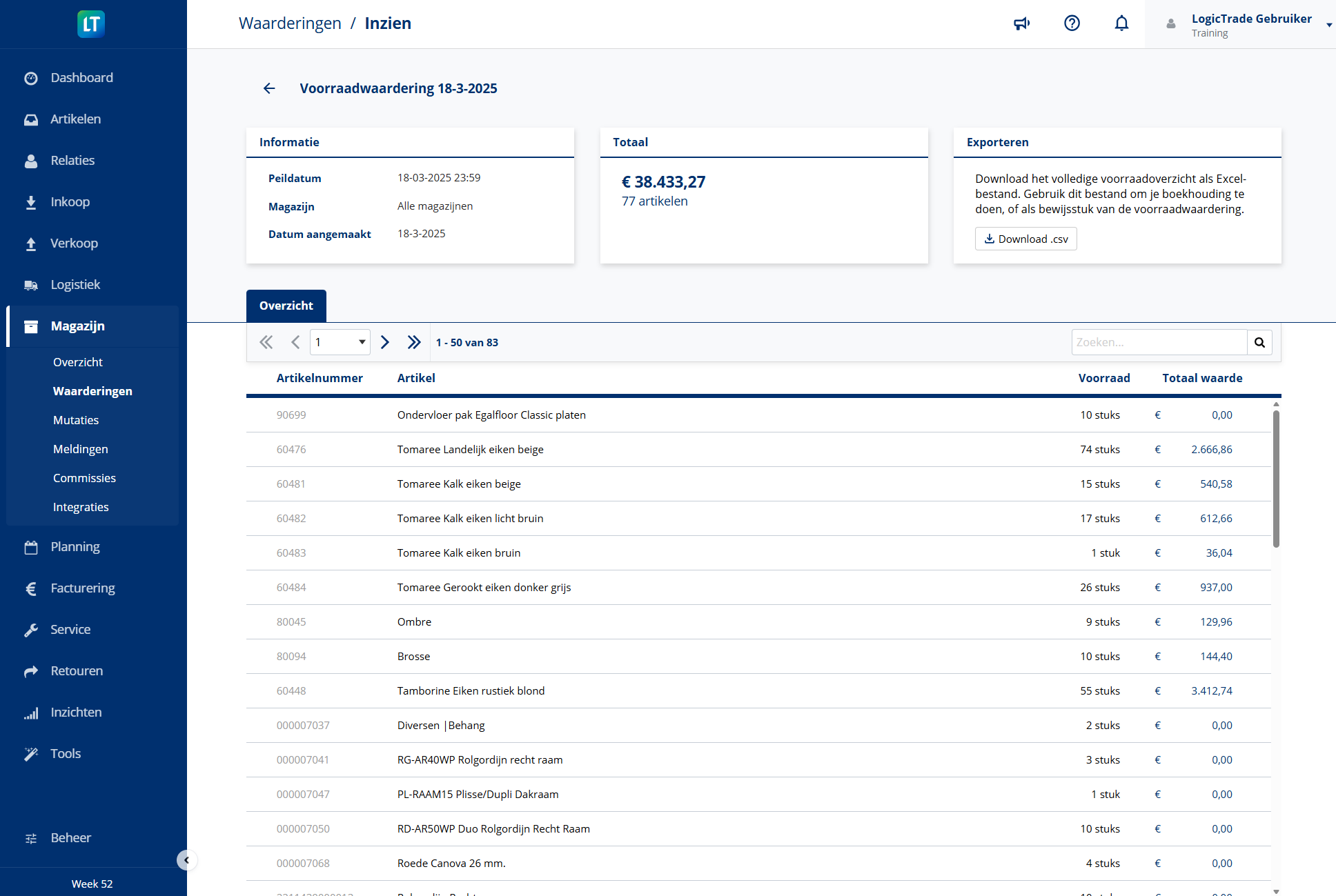
See the value of your inventory at a glance. Per location, product group or total.
📍 Multi-location
Multiple warehouses or branches? Manage stock per location and see the total overview.
🔔 Reorder advice
LogicTrade alerts when stock falls below the minimum and automatically generates reorder advice.
How does Inventory Management work?
Set up inventory
Set per item whether you want to track stock. Define minimum and maximum stock for automatic reorder advice.
Enter opening stock
Enter your current stock via LogicTrade or count directly with StoreAssist. Importing from Excel is also possible.
Automatically update
From now on, all mutations are processed automatically. Purchasing increases stock, sales decrease it.
Periodically check
Regularly take stock with StoreAssist to verify physical inventory. Discrepancies are flagged immediately.



Ready to start with Inventory Management?
 Included in every LogicTrade plan from €239/month
Discover how Inventory Management can optimize your workflows.