.svg)
Invoicing & Payments
Invoice with one click and get paid faster
From order to payment without hassle
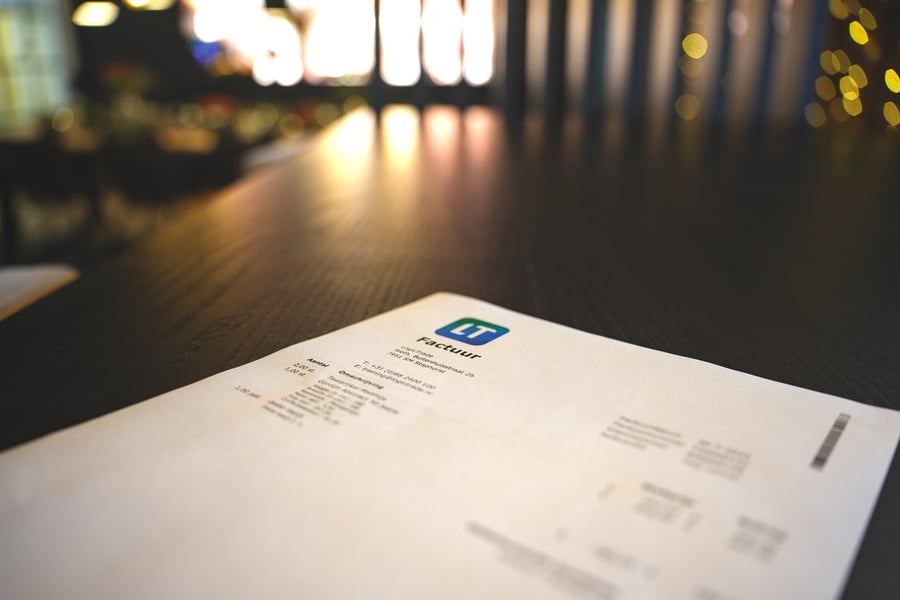
Invoicing shouldn't be the dreaded final step. With LogicTrade you invoice directly from the order - with one click. All data is already there: customer, products, prices, VAT. No retyping, no errors.
And the best part? Your customers can pay immediately via the payment link in the invoice. iDEAL, credit card, Bancontact - all via our MultiSafepay integration. On average, LogicTrade users receive their money 5 days faster than with traditional invoices.
Automatically to your accounting
Tired of manually entering invoices in your accounting software? LogicTrade connects directly with Exact Online, Exact Multivers, SnelStart and Twinfield. Invoices flow automatically - including all lines, VAT codes and customer data.
Whether you create a single invoice or process dozens per day: LogicTrade scales with your business.
Problems that Invoicing & Payments solves
- Creating invoices takes too much time - Retyping data from order to invoice, calculating VAT, creating PDF and sending
- Long payment terms - Customers pay only after weeks because bank transfers are cumbersome
- No overview of outstanding invoices - Who still needs to pay? Manually tracking in Excel
- Double entry in accounting - Every invoice also needs to be entered in the accounting software
- Credit notes are a nightmare - For errors or returns, the whole process starts over
- Deposits difficult to process - Creating instalment invoices manually and tracking what has been paid
Benefits of Invoicing & Payments
💳 Payment links & QR codes
Customers pay directly via iDEAL, credit card or Bancontact. Scan the QR code and pay - it's that simple.
⚡ Get paid 5 days faster
No waiting for bank transfers. With direct payment links you receive your money on average 5 days sooner.
📊 Instalment & deposit invoices
Request a deposit at order and invoice the remainder at delivery. In percentages or fixed amounts.
🔄 Automatic accounting integration
Invoices flow directly to Exact, SnelStart or Twinfield. No double entry, no errors, no hassle.
↩️ Credit notes in seconds
Made a mistake or return? Create a credit note with one click. Per line or the entire invoice.
📋 Complete overview
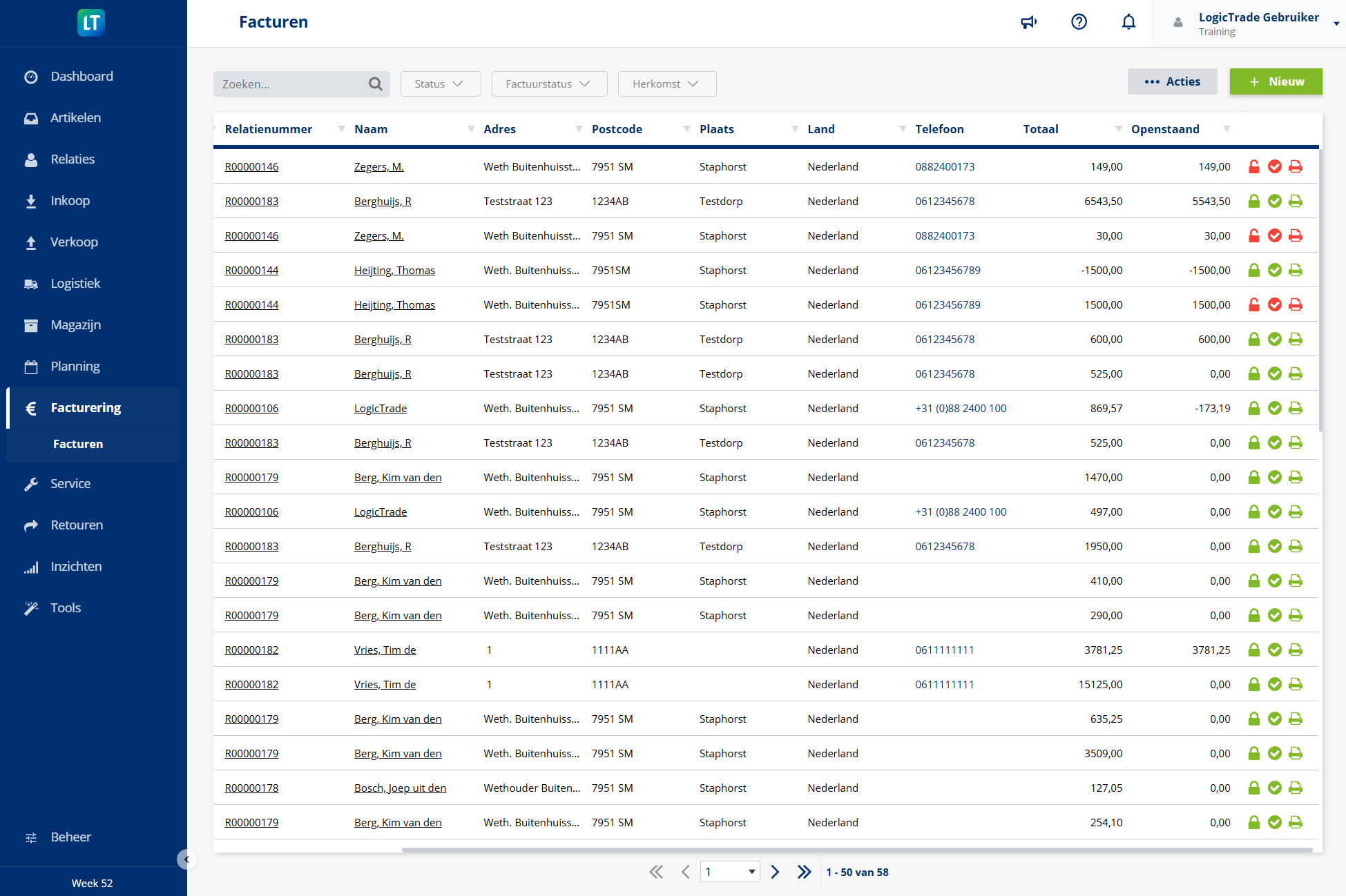
See at a glance which invoices are outstanding, paid or overdue. Filter by customer, period or status.
How does Invoicing & Payments work?
Complete the order
Once the goods are delivered or the service is performed, the order is ready for invoicing. All data is already in the system.
Generate invoice
Click 'Invoice' and LogicTrade automatically creates the invoice. Choose a full invoice or an instalment invoice.
Send with payment link
Send the invoice by email. The customer receives a PDF with a payment link and QR code for direct payment.
Process automatically
Payments are automatically matched to the invoice. The invoice flows through to your accounting.



Ready to start with Invoicing & Payments?
 Included in every LogicTrade plan from €239/month
Discover how Invoicing & Payments can optimize your workflows.